How to Choose a Computer for Graphics Designing?

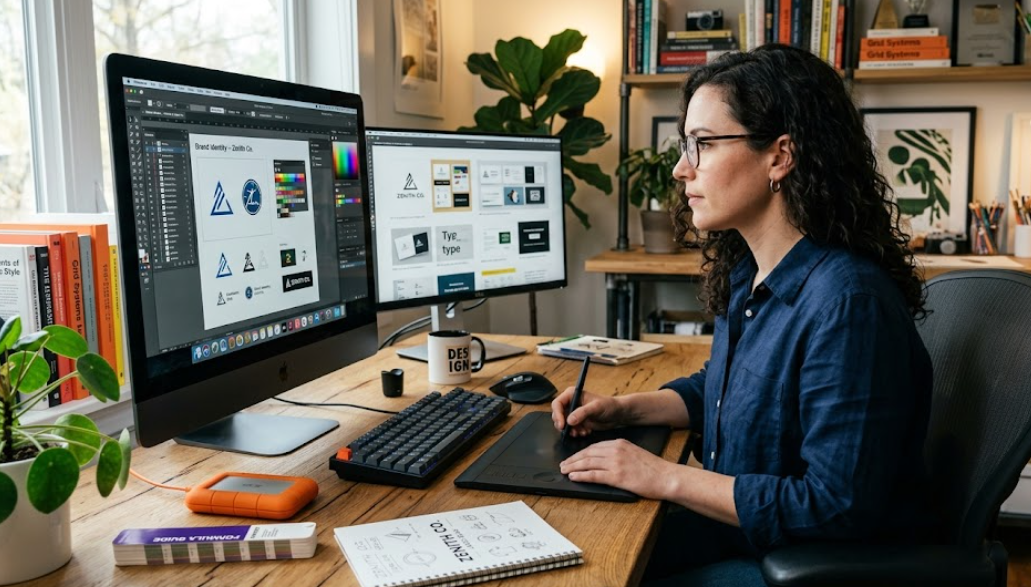
A graphics designing Cumputer requires strong performance, accurate visuals, and stable workflow support for modern creative software. Designers must evaluate hardware carefully to avoid slow rendering, lag, and poor color output. Proper selection improves productivity, reduces delays, and ensures smooth operation for professional tools like Adobe Photoshop and Adobe Illustrator.
How to Choose a Cumputer for Graphics Deisgning?
Choosing a Cumputer for graphics designing requires focus on performance balance between CPU, GPU, RAM, storage, and display quality. Graphics designing tasks demand fast rendering, smooth multitasking, and color accuracy. A weak system causes delays in editing software, file exports, and visual previews. A strong system improves workflow efficiency and design precision.
A graphics designing Cumputer must handle heavy software workloads such as Adobe Photoshop, Adobe Illustrator, Adobe InDesign, and 3D modeling tools. These applications require consistent processing power and stable memory usage. The selection process must prioritize components that support large files, layered projects, and high-resolution output.
CPU Selection for Graphics Designing Cumputer
The CPU controls overall processing speed in a Cumputer used for graphics designing. A multi-core processor improves rendering and multitasking performance. Intel Core i7 or AMD Ryzen 7 processors provide strong support for design workloads. Higher clock speed improves real-time editing responsiveness and reduces lag in complex projects.
A CPU with at least 6 to 8 cores ensures smooth performance during heavy tasks. Graphics designing software benefits from parallel processing capabilities. A weak CPU reduces efficiency in rendering effects, exporting files, and running multiple design tools simultaneously.
GPU Importance in Graphics Designing Cumputer
The GPU handles image rendering, visual effects, and real-time previews. A dedicated graphics card is essential for professional graphics designing Cumputer systems. NVIDIA GeForce RTX series or AMD Radeon RX series provides stable performance for design software.
A GPU with at least 4GB to 8GB VRAM supports high-resolution editing and 3D rendering. GPU acceleration improves performance in Adobe Photoshop filters, Adobe Illustrator effects, and video editing timelines. Integrated graphics are insufficient for professional workloads.
RAM Requirements for Graphics Designing Cumputer
RAM affects multitasking and software responsiveness in a graphics designing Cumputer. Minimum requirement starts at 16GB RAM for basic professional work. Advanced designers require 32GB RAM for complex projects and multitasking environments.
Higher RAM capacity allows smooth handling of large PSD files, vector graphics, and layered compositions. Insufficient RAM causes system freezing, slow loading, and application crashes during intensive design operations.
Storage Type and Speed in Cumputer for Design Work
Storage impacts file access speed and system performance in graphics designing Cumputer systems. SSD storage provides faster boot times and quicker software loading compared to HDD storage. NVMe SSD offers the highest speed for professional workflows.
A minimum of 512GB SSD is recommended for design professionals. Large projects require 1TB storage capacity. Fast storage reduces file saving delays and improves workflow efficiency during project development.
Display Quality for Graphics Designing Cumputer
Display quality directly affects design accuracy and color precision. A graphics designing Cumputer must include an IPS panel for wide viewing angles and accurate color reproduction. Full HD resolution is minimum, while 4K resolution improves detail clarity.
Color accuracy is measured using sRGB and Adobe RGB standards. A display with 100 percent sRGB coverage ensures accurate visual output. Poor display quality leads to incorrect color grading and design mismatches during printing or publishing.
Laptop vs Desktop for Graphics Designing Cumputer
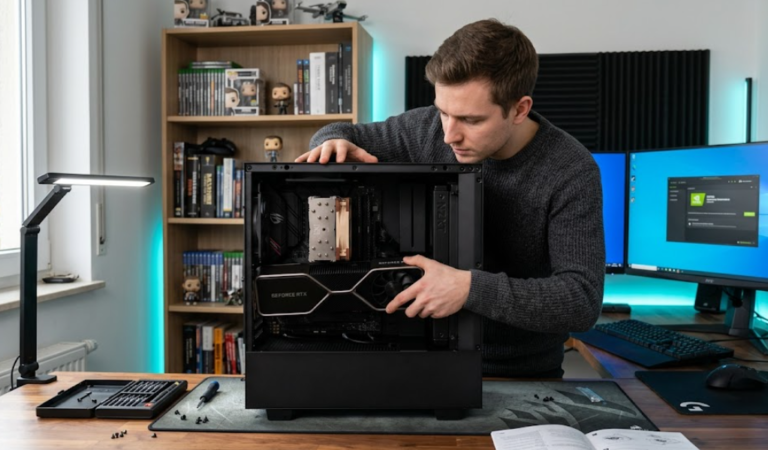
A desktop Cumputer provides higher performance, better cooling, and upgrade flexibility. Desktop systems support powerful GPUs and large RAM configurations. They are suitable for studio environments and long working hours.
A laptop Cumputer offers portability for designers working in multiple locations. High-performance laptops include dedicated GPUs and color-accurate displays. However, laptops may have limited upgrade options and thermal constraints under heavy workloads.
Budget Planning for Graphics Designing Cumputer
Budget determines hardware quality and performance level in a graphics designing Cumputer. Entry-level systems support basic editing and simple design tasks. Mid-range systems handle professional design workloads with balanced performance.
High-end systems support advanced 3D rendering, animation, and large-scale production projects. Budget allocation must prioritize GPU and RAM first, followed by CPU and storage. Proper planning ensures long-term usability and system stability.
Frequently Asked Questions
What is the minimum RAM for graphics designing Cumputer?
Minimum RAM requirement for graphics designing Cumputer is 16GB for stable performance in professional design software.
Is SSD necessary for graphics designing Cumputer?
SSD storage is necessary because SSD improves software loading speed and file access performance significantly.
Can integrated graphics support design work?
Integrated graphics support only basic design tasks, but dedicated GPU is required for professional graphics designing Cumputer usage.
Which display type is best for design accuracy?
IPS display panel is best because IPS technology provides accurate colors and wide viewing angles for design work.
Is a laptop good for professional graphics designing?
A high-performance laptop supports professional design work, but desktop Cumputer provides stronger performance and upgrade flexibility.
Conclusion
Selecting a graphics designing Cumputer requires careful analysis of hardware performance, display quality, and storage speed. Each component influences workflow efficiency and output precision. A balanced system improves productivity, supports advanced creative tools, and ensures stable long-term use for professional design environments across multiple industries and production levels.